Kenapa Semua Potret AI yang Kamu Buat Terlihat Sama
Why Every AI Portrait You Generate Looks the Same (And the 3 Things You're Getting Wrong)
You're making the same three mistakes as everyone else. Here's what real photographers know that you don't.
You generated another portrait last night. A woman, maybe early thirties, soft lighting from the left, slight smile, blurred background. You were proud of it for about forty-five seconds — until you opened the Midjourney showcase and saw nine hundred versions of the exact same image staring back at you. Same three-quarter angle. Same creamy bokeh. Same empty, magazine-cover expression that says absolutely nothing.
This isn't a coincidence. It's a pattern, and it has a specific cause. Actually, three specific causes.
I've reviewed thousands of AI portrait prompts over the past year — from beginners posting their first generations to experienced users who should know better. The same three errors show up in roughly 85% of them. Not style issues. Not model limitations. Prompt architecture problems that make the AI default to the most average, most generic, most forgettable version of a portrait possible.
The good news: once you see these errors, you can't unsee them. And fixing them takes about thirty seconds of extra thought per prompt.
Diagnosis 1: You're Describing a Person, Not a Photograph
Here's the prompt that started this article. Someone posted it in a Discord server, genuinely confused about why their result looked "boring":
beautiful young woman with long brown hair, green eyes, wearing a white dress, standing in a garden
Read that again. Every single word describes the subject. Not one word describes the image.
This is the fundamental mistake. You're writing a casting call when you should be writing a shot list. AI image models were trained on millions of photographs paired with their descriptions — and those descriptions weren't poetry. They were technical. They included camera information, lighting setups, composition choices, film stocks, post-processing styles.
When you give the model only subject description, it has to fill in every technical decision on its own. And it defaults to the average of its training data. That average is: 85mm equivalent, f/2.8, soft natural light from a window, subject centered, slight color grade toward warm tones. The most generic portrait setup in existence.
The fix isn't complicated. You need to split your prompt into two halves: what you're photographing, and how you're photographing it.
The subject half: woman in her early thirties, sharp cheekbones, dark brown hair pulled back loosely, wearing an oversized linen shirt
The photography half: shot on Mamiya RZ67, Kodak Portra 400 pushed one stop, 110mm f/2.8, late afternoon window light with sheer curtains creating diffused fill, shallow depth of field with focus on the near eye, slight underexposure, muted earth tones in post
That second half is where character lives. Where mood lives. Where the difference between a forgettable image and one that makes someone stop scrolling lives. You're not being extra — you're being specific. Specificity is the antidote to generic.
Think about it this way. If you hired a real photographer and said "photograph a beautiful woman in a garden," they'd ask you seventeen follow-up questions. What's the mood? Editorial or candid? Hard light or soft? Close-up or environmental? Color palette? Time of day? What should the viewer feel?
The AI doesn't ask follow-up questions. It just guesses. And its guesses are always average.
Diagnosis 2: You Have No Idea What Focal Length Is Doing to Your Portraits
This one is technical, and most people skip it because they think it's optional photography nerd stuff. It's not optional. Focal length is arguably the single most important variable in portrait photography, and ignoring it in your prompts is like ignoring ingredients in a recipe.
Here's what different focal lengths actually do:
24mm — Wide angle. Exaggerated features, prominent nose, receding ears. Environmental portraits where the background matters as much as the person. Think photojournalism, street photography, documentary work. The subject exists within a world.
50mm — Roughly what the human eye sees. Neutral perspective, natural proportions. Casual, unforced feeling. Good for lifestyle, editorial, candid-adjacent work.
85mm — The portrait default. Slight compression that flatters faces. This is what AI gives you when you don't specify anything, which is exactly why everything looks the same.
135mm — Noticeable compression. Background melts away. Features flatten slightly. Fashion photography, beauty campaigns. Creates psychological distance — the viewer is observing, not participating.
200mm — Extreme compression. Dramatic background isolation. Subject feels pulled forward from the environment. Paparazzi aesthetic, surveillance feeling, or fine art portraiture. Completely different emotional register than anything below 100mm.
Now watch what happens with a simple prompt change:
Generic result:
portrait of a weathered fisherman, dramatic lighting
Completely different images:
portrait of a weathered fisherman, shot at 24mm f/8, environmental portrait, showing the dock and boats behind him, hard midday sun, deep shadows under the brow ridge, photojournalistic style
portrait of a weathered fisherman, shot at 200mm f/2.8, extreme background compression, face fills the frame, only the eyes and deep wrinkles in focus, soft overcast light, desaturated teal-and-orange color grade
Same subject. Two radically different photographs. The first puts you on the dock with him. The second makes you study his face like a landscape. Focal length isn't a detail — it's a decision about what kind of image you're making.
And it goes beyond the lens. Aperture controls depth of field — f/1.4 gives you a razor-thin plane of focus with everything else dissolved into cream, while f/11 keeps the whole scene sharp and present. Film stock changes color science entirely — Fuji Pro 400H skews cool and pastel, Kodak Portra runs warm and saturated, CineStill 800T gives you halation halos around highlights and that unmistakable tungsten blue shift. Mentioning a specific camera body cues the model toward that system's rendering characteristics — a Hasselblad 500C produces different results than a Canon AE-1 or a Leica M6.
These aren't decorative additions. They're structural.
Diagnosis 3: You're Giving the AI Emotions, Not Expressions
"Happy woman." "Sad old man." "Angry teenager."
These prompts produce stock photography. Every time. Without exception.
The problem is that words like happy, sad, and angry are abstractions. They describe internal states, not visible ones. A real photographer doesn't tell a model to "be happy." They say: "Think about the last time you laughed so hard your stomach hurt. Now let that memory just barely reach your lips — not a full smile, just the beginning of one. And let it hit your eyes two seconds before your mouth."
That level of specificity matters in AI prompts too. The models understand micro-expressions far better than most people realize — but you have to ask for them.
Compare these:
Vague: a woman looking sad
Specific: a woman with slightly reddened eyes, gaze dropped 15 degrees below the lens, jaw tight, lips pressed together but not pursed, the kind of composure that's barely holding
Vague: a happy man
Specific: a man mid-laugh with his head tilted back 20 degrees, crow's feet deep around the eyes, mouth open showing bottom teeth, one hand coming up toward his chest, caught between breaths
The difference in output is staggering. The vague versions give you a person performing an emotion. The specific versions give you a person experiencing one. Viewers feel that gap instantly, even if they can't articulate why one image feels real and the other feels like a dental office poster.
Here's a vocabulary upgrade that costs you nothing:
Instead of happy — try: the three-second window after someone hears good news, before they've decided how to react
Instead of sad — try: looking at a chair where someone used to sit, expression carefully neutral
Instead of confident — try: chin raised two inches, direct eye contact with the lens, slight asymmetric smile, like they know something you don't
Instead of mysterious — try: face half-turned from camera, one eye catching the light while the other falls into shadow, lips slightly parted as if about to speak but choosing not to
You're not writing poetry here. You're giving stage direction. The more physical and observable your description, the more the AI has to work with — and the less it falls back on the generic.
The Fix: A Five-Layer Prompt Workflow
Enough diagnosis. Here's the treatment.
Every strong portrait prompt has five layers, built in this order:
Layer 1 — Subject: Who are they? Physical description, clothing, positioning. Keep it observational, not evaluative. Not "beautiful woman" but "woman with wide-set eyes, strong jaw, a scar through the left eyebrow, wearing a faded denim jacket two sizes too large."
Layer 2 — Camera: Focal length, aperture, camera body or film format. This single layer eliminates 60% of the "generic" problem.
Layer 3 — Light: Direction, quality, color temperature, source. "Soft window light" is okay. "Single north-facing window, late afternoon, light falling across the subject at 45 degrees from camera left, no fill, deep shadows on the right side of the face" is better.
Layer 4 — Mood/Expression: Physical, observable micro-expressions. Stage direction, not emotion labels.
Layer 5 — Post-processing: Color grade, film stock emulation, contrast style, grain. This is the final seasoning that ties everything together.
Here are three complete prompts built with this workflow:
Example 1 — The Quiet Portrait
A woman in her late sixties, silver hair in a loose bun, deep smile lines, wearing a hand-knitted charcoal cardigan, sitting at a kitchen table with her hands wrapped around a ceramic mug. Shot on Hasselblad 500C, 80mm f/2.8, medium format film, Kodak Tri-X 400 pushed to 800. Single overhead pendant light creating a pool of warm light on the table, face lit from below and slightly forward, rest of the kitchen falling to deep shadow. Expression settled and still — not smiling, not sad, the face of someone comfortable with silence. High contrast black and white, visible film grain, dark atmospheric mood.
Example 2 — The Confrontational Close-Up
Extreme close-up of a man in his forties, three-day stubble, pores and skin texture visible, slight perspiration on the forehead. Shot at 100mm macro f/4, Canon EOS R5, filling the frame from mid-forehead to chin. Hard directional flash from camera right, 30 degrees above eye line, creating a sharp shadow line cutting across the nose. One eye brightly lit, one in shadow. Expression: jaw set, nostrils slightly flared, eyes locked directly on the lens with an intensity that borders on confrontational. Color graded with crushed blacks, skin tones pushed toward amber, desaturated background, clinical editorial style.
Example 3 — The Environmental Portrait
A young mechanic leaning against the open hood of a 1970s pickup truck, arms crossed, grease on her forearms and a smudge across one cheek, wearing a gray tank top and work pants. Shot at 28mm f/5.6 on Fuji X-T5, environmental portrait with the full garage visible behind her — tool boards, fluorescent ceiling lights, oil stains on concrete. Mixed lighting: cold fluorescent overhead plus warm late-afternoon sun streaming through the open garage door from camera left. Expression: one corner of the mouth lifted, eyebrow slightly raised, the look of someone who just proved you wrong about something. Shot has a William Eggleston quality — vernacular subject, elevated composition. Muted warm tones, slight fade in the shadows, subtle green cast from the fluorescents.
Notice what these prompts have in common: every element earns its place. Nothing is decorative. The camera choice affects the rendering. The lighting creates mood. The expression tells a story. The post-processing ties the visual language together.
One More Thing
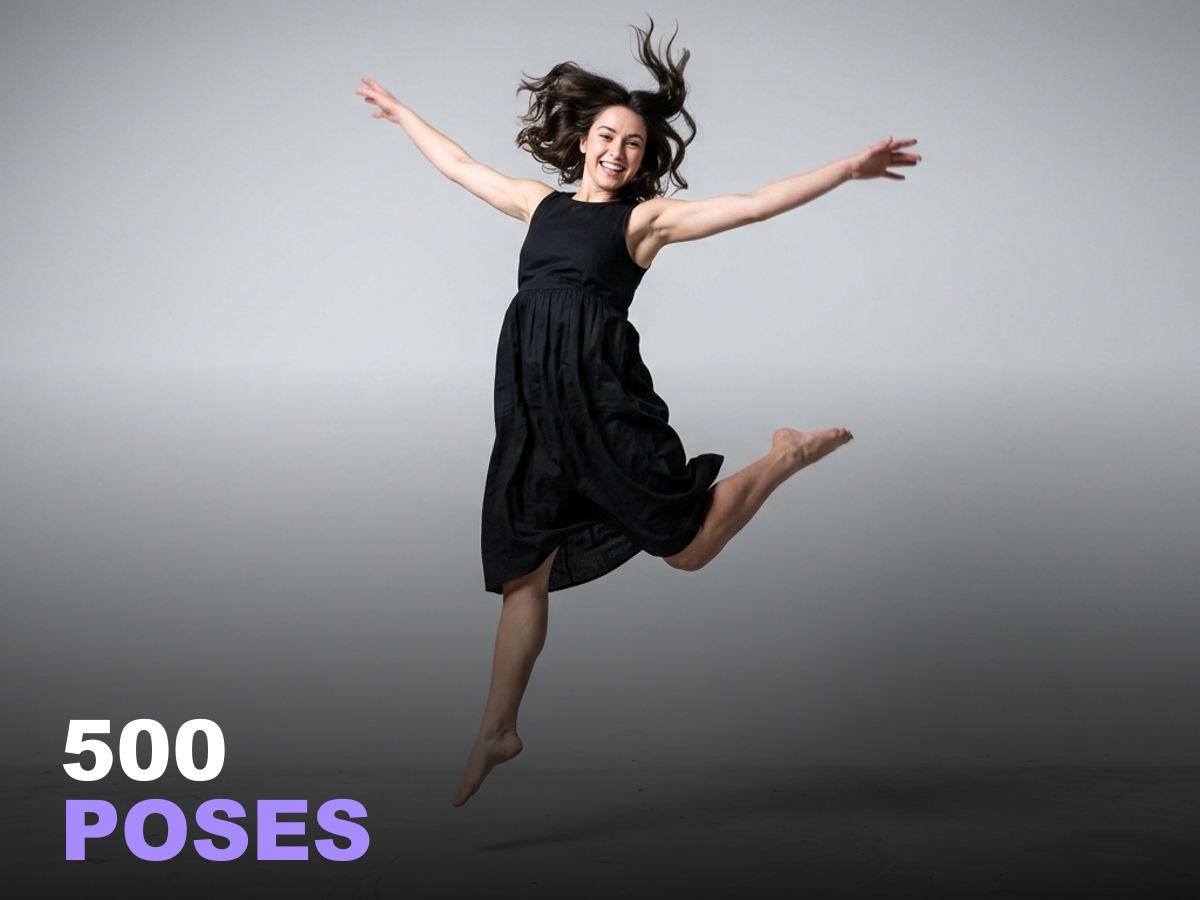
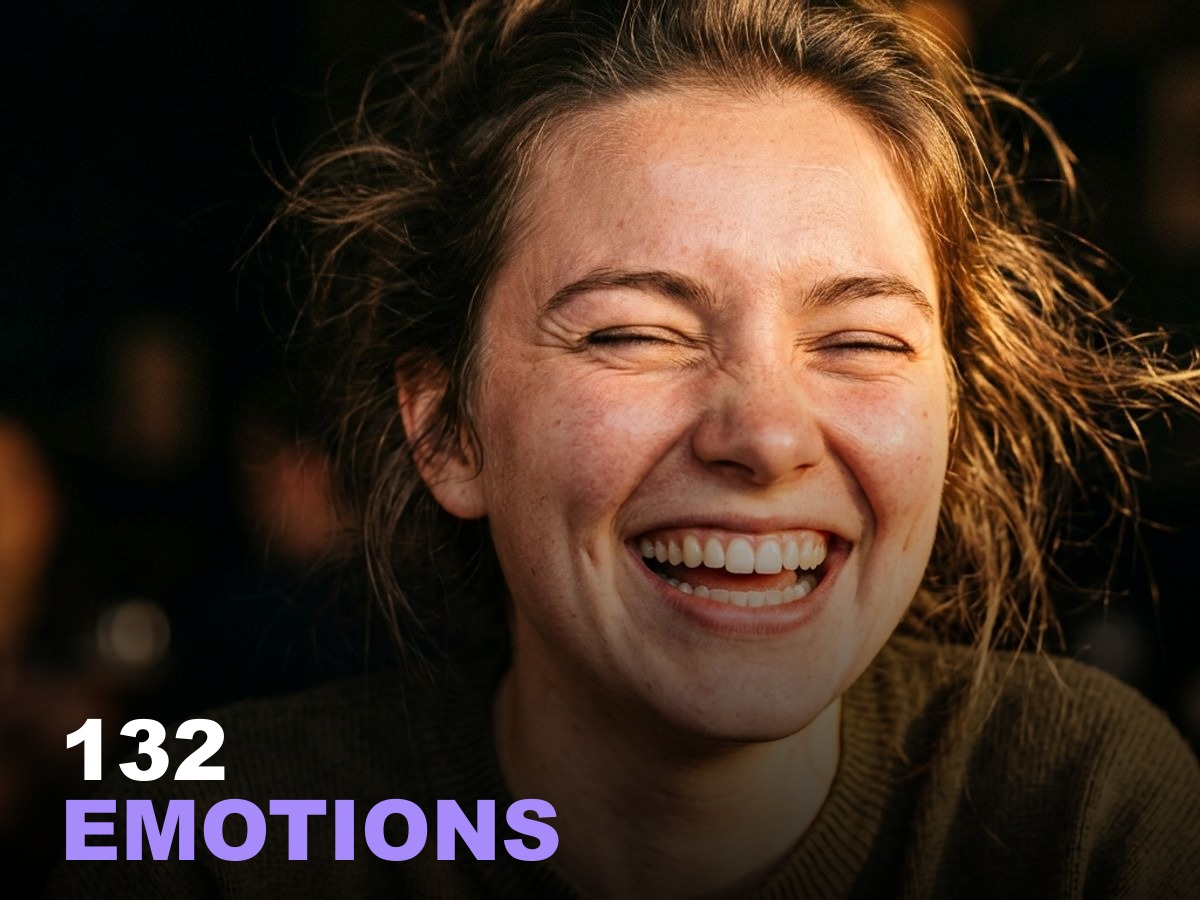
If building these layered prompts from scratch every time sounds exhausting — it is, at first. It gets faster. But if you want a head start, our 500 AI Poses & Composition Guide and 132 Emotions & Expressions Guide have 632 pre-built portrait prompts with all five layers already dialed in. Focal lengths, lighting setups, micro-expression vocabulary, film stock references, the whole architecture.
Not a replacement for understanding why these elements matter — you just got that understanding in the last eight minutes. But a reference library that saves you from starting with a blank prompt every time.
Your portraits don't have to look like everyone else's. They just need to be built like actual photographs.
Siap membuat konten AI yang lebih baik?
Dapatkan panduan profesional dengan foto referensi — berhenti menebak, mulai berkreasi.
Lihat panduan →